
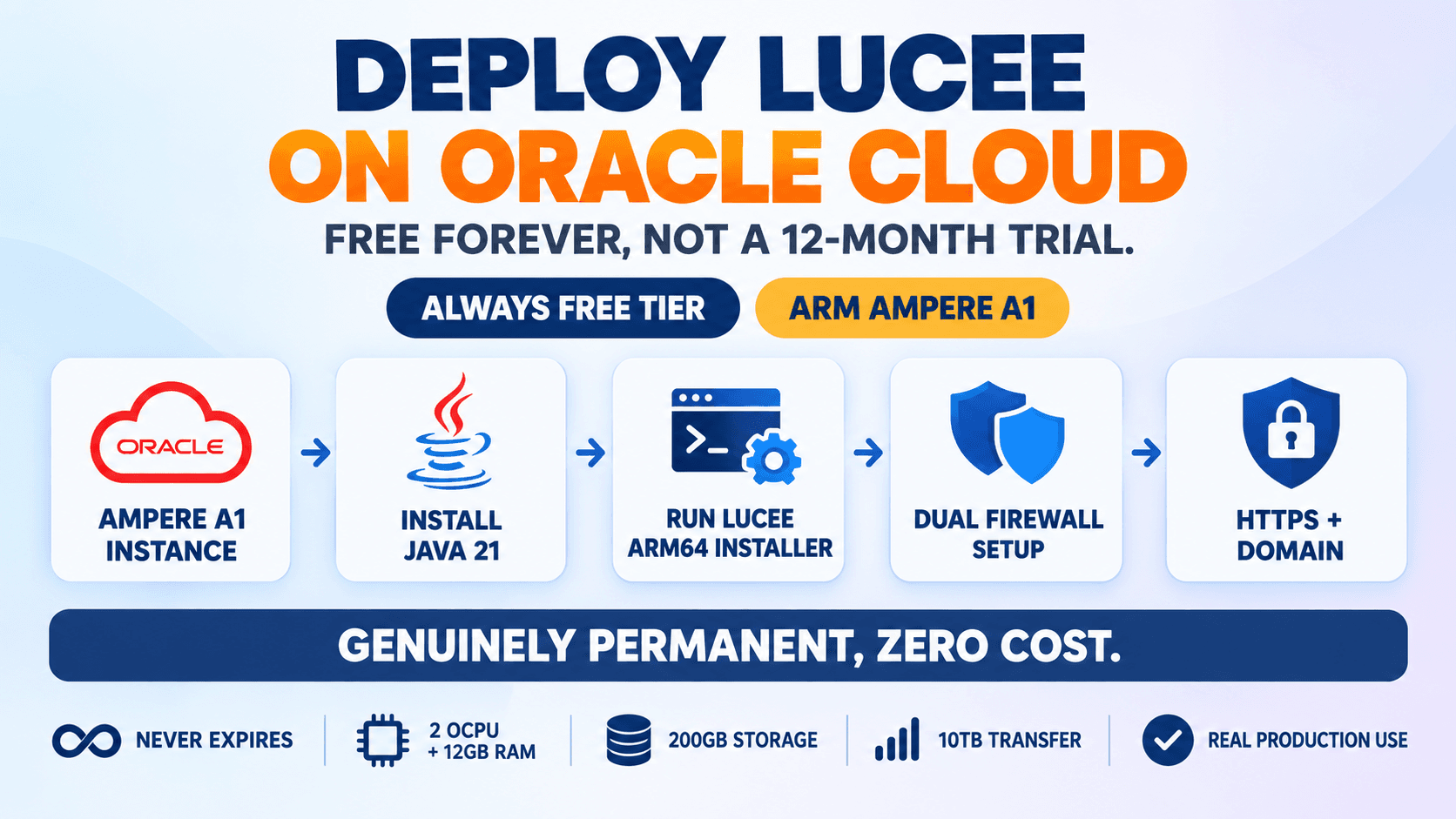
Genuinely free, not a 12-month trial
AWS's free tier (covered in an earlier post) expires after 12 months, after which normal billing kicks in. Oracle Cloud's Always Free resources are different: Oracle's own documentation states they're available for the lifetime of the account, not a trial period, as long as usage stays within the Always Free limits.
The catch is that Oracle's free compute is ARM-based (Ampere A1), not the x86_64 architecture most guides assume, which means a couple of genuinely different steps compared to a typical AWS or DigitalOcean setup: the right Lucee installer variant, and a firewall quirk that trips up a lot of people the first time.
Prerequisites
- An Oracle Cloud account (a credit card is required for identity verification at signup, but isn't charged unless you explicitly upgrade to paid resources)
- An SSH key pair, or let Oracle generate one for you during instance creation
- Comfort running commands over SSH
- A domain name, if you want real HTTPS at the end (optional)
Step by Step
1. Create an Always Free Ampere A1 instance
In the Oracle Cloud Console, go to Compute > Instances > Create Instance. Choose the Ampere A1 Flex shape and make sure it's marked as Always Free-eligible, up to 2 OCPUs and 12 GB RAM total are free across all your A1 instances combined (one 2-OCPU/12GB instance, or two smaller ones). Pick a Canonical Ubuntu 22.04 or 24.04 aarch64 image, generate or upload an SSH key pair, and launch it.
1a. If you hit "Out of host capacity"
This is a well-known, commonly reported issue specifically with the free Ampere A1 shape, Oracle's free ARM capacity in a given region/availability domain can genuinely run out. Trying a different availability domain, or simply retrying later, is the standard workaround.
2. Connect over SSH
Oracle's Ubuntu images use the ubuntu user by default, same as AWS.
chmod 400 your-key.pem
ssh -i your-key.pem ubuntu@YOUR_INSTANCE_PUBLIC_IP
3. Update the system and install Java
Same package, same command as any Ubuntu server, apt resolves the correct ARM64 build automatically.
sudo apt update && sudo apt upgrade -y
sudo apt install openjdk-21-jre-headless -y
java -version
4. Download the Lucee Linux ARM64 installer
This is the one genuinely different step: Ampere A1 is ARM, so it needs the aarch64 installer, not the x64 one used on a typical AWS/x86 instance. Using the wrong architecture's installer simply won't run.
wget https://cdn.lucee.org/lucee-7.1.0.204-linux-aarch64-installer.run
5. Make it executable and run the installer
Unattended mode again, same flags as any Linux installation of Lucee, the installer itself doesn't care that this is ARM once you've grabbed the right file.
chmod 744 lucee-7.1.0.204-linux-aarch64-installer.run
sudo ./lucee-7.1.0.204-linux-aarch64-installer.run \
  --mode unattended \
  --luceepass "ChooseARealPassword123" \
  --servicename lucee \
  --prefix /opt/lucee \
  --startatboot true
6. Verify the service is running
Same systemd service as any Linux Lucee install.
sudo systemctl status lucee_ctl
sudo systemctl enable lucee_ctl
7. Open port 80 — the real Oracle-specific gotcha
Oracle Cloud has two separate firewall layers, and both need to allow the traffic, or it never reaches Lucee at all. First, the Security List at the network level: in the Console, go to Networking > Virtual Cloud Networks > your VCN > the public subnet > Default Security List, and add an ingress rule for TCP port 80 (and 443) from source 0.0.0.0/0.
7a. Then the instance's own iptables
This is the step that catches almost everyone the first time: Oracle's Ubuntu images ship with iptables rules that drop everything except SSH by default, even after the Security List allows it. The Security List alone is not enough.
sudo iptables -I INPUT 6 -m state --state NEW -p tcp --dport 80 -j ACCEPT
sudo iptables -I INPUT 6 -m state --state NEW -p tcp --dport 443 -j ACCEPT
sudo netfilter-persistent save
8. Open the Lucee Administrator
Visit http://YOUR_INSTANCE_PUBLIC_IP/lucee/admin/server.cfm, log in with the password from step 5, and configure a datasource under Data Sources. As with any Lucee 7.1+ install, PDF generation, mail, images, charts, and spreadsheets each need their own extension installed from the Extensions page before use.
9. Add real HTTPS with Let's Encrypt
Identical to any other Apache-fronted Lucee install, this part doesn't care about the CPU architecture underneath it. Needs a real domain pointed at the instance's IP first.
sudo apt install certbot python3-certbot-apache -y
sudo certbot --apache -d yourdomain.com
Always Free Resource Limits Reference
| Resource | Always Free Limit |
|---|---|
| Ampere A1 compute | 2 OCPUs + 12 GB RAM total (1,500 OCPU-hours + 9,000 GB-hours/month) |
| Block storage | 200 GB total (boot + block volumes combined) |
| Outbound data transfer | 10 TB per month |
| AMD micro instances | Up to 2, 1/8 OCPU + 1 GB RAM each (a separate, smaller allowance) |
Common Mistakes
Downloading the x64 installer on an Ampere A1 instance
Ampere A1 is ARM64 (aarch64), not x86_64. The x64 installer simply won't execute, grab the aarch64 build specifically.
Only configuring the Security List and assuming that's enough
Oracle's Ubuntu images also run iptables rules that drop non-SSH traffic by default. Both the Security List (network level) and iptables (instance level) need to explicitly allow the port, missing either one leaves the site unreachable.
Assuming Oracle's free tier works the same way as AWS's
AWS's free tier expires after 12 months. Oracle's Always Free resources are lifetime, as long as usage stays within the documented limits, a genuinely different value proposition, not just a longer trial.
Giving up immediately on "Out of host capacity"
This is a known, commonly reported limitation specific to the free Ampere A1 shape when a region's free capacity is temporarily exhausted. Trying a different availability domain or retrying later is the normal workaround, not a sign something is broken.
Frequently Asked Questions
Is this actually free forever, or is there a catch?
Genuinely free for the lifetime of the account, per Oracle's own documentation, as long as usage stays within the Always Free limits (2 OCPUs/12GB for Ampere A1, 200GB storage, 10TB/month transfer). Exceeding those limits on Always Free resources specifically doesn't auto-charge, but provisioning anything outside the Always Free catalog does require a paid upgrade.
Why does Lucee need a different installer here than on AWS?
Oracle's free compute shape is Ampere A1, an ARM64 (aarch64) processor, not the x86_64 architecture most cloud free tiers (including AWS's) default to. Lucee publishes a separate aarch64 installer specifically for this.
Why does port 80 stay unreachable even after opening it in the Security List?
Oracle's Ubuntu images have their own instance-level iptables rules blocking it too. Both layers, the Security List and iptables, need to explicitly allow the traffic.